
 Assist eligible
BELLWETHER STOCKROOM
The count is a starting point.
Connect a maintained record to a useful next step. Keep the shelf, the threshold, and the person responsible in view.
THE SOFTWARE, IN PRACTICE
Work through a sample.
Change the recorded count. See when a suggested order is needed.
Interactive sample / local to this page
WHAT IT NEEDS FROM YOU
Clear about the limits.
A clearer picture of what comes next.
Connect item records, stock levels, and replenishment rules in one manageable workflow. Stockroom prepares suggested orders; your team keeps control of the decisions.
- Location-level counts
- Reorder thresholds
- Suggested purchase orders
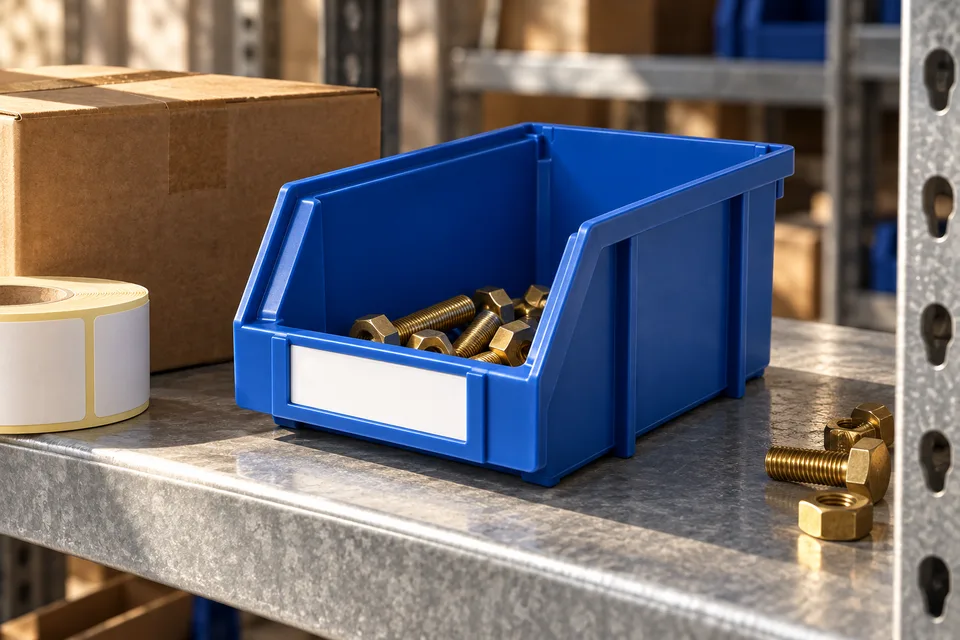
A blue parts bin drops below its configured threshold. Stockroom assembles a suggested replenishment request with the correct pack quantity.
Recommendations depend on maintained stock records and configured rules. Orders are not placed without the agreed approval.
We agree on the source records, workflow, and decision owners before configuration begins. Implementation includes training and a documented handoff.
Plan an implementation →Connected essentials.
The Core catalog ↗Assist eligible Assist eligible